Set up your household
Create a household, choose its time zone, and invite helpers with single-use codes. See who’s joined in the household member list.
 HelperHub

HelperHub gives householders and helpers one place to plan chores, share updates, and see what’s done.
Create a household, choose its time zone, and invite helpers with single-use codes. See who’s joined in the household member list.
Add instructions, a category, a due date and time, and an urgent flag when needed. Assign or reassign tasks, or let helpers claim them from the open task pool.
Repeat tasks daily, weekly, monthly, quarterly, or yearly. Set the interval, pick weekdays, or choose a monthly date or weekday. Stop future repeats when plans change.
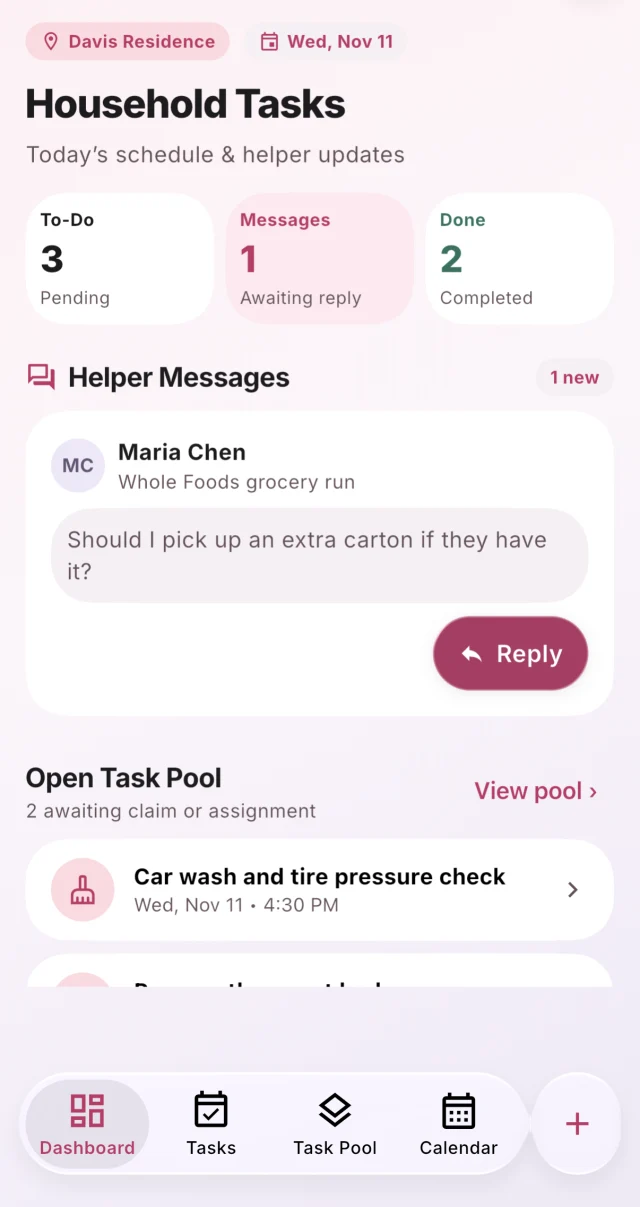
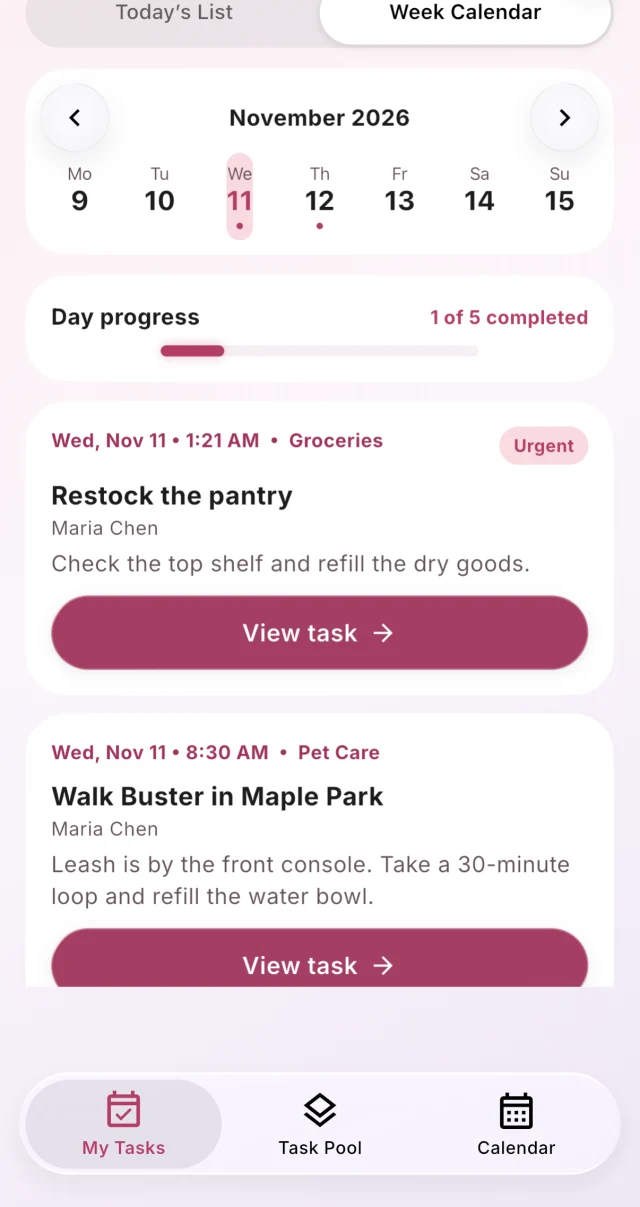
Both roles can check daily task lists, overdue work, and the weekly calendar. Householders can also see household progress and helper messages on the dashboard.
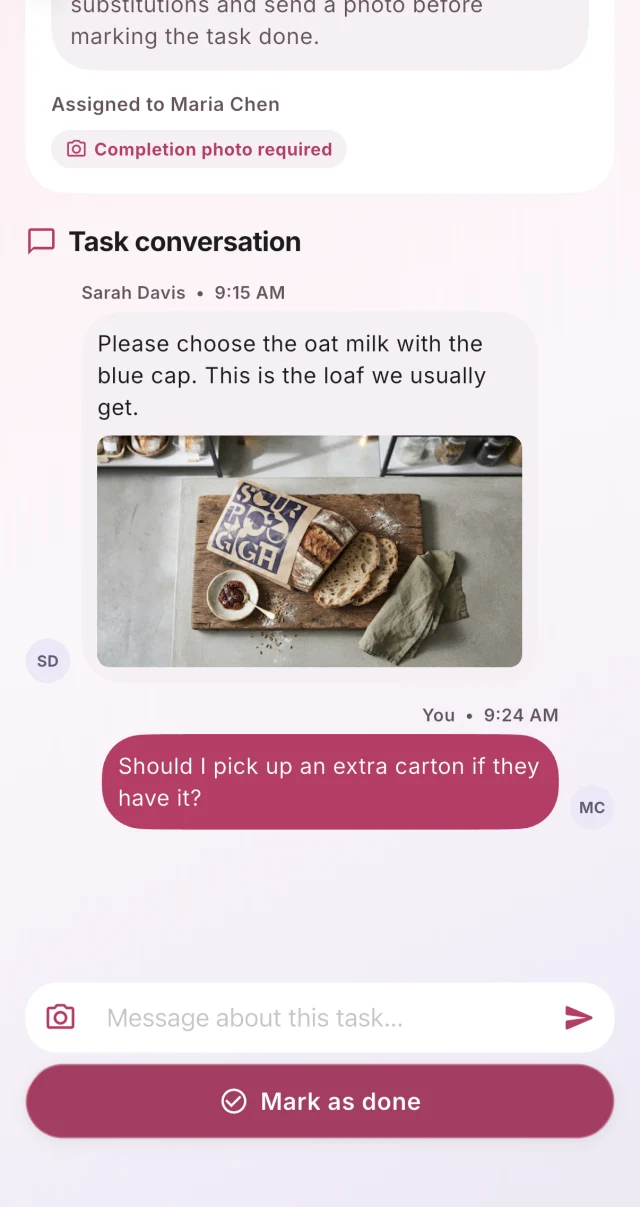
Keep questions, updates, and photos in the task’s conversation. Turn on notifications to get an alert when a new task message arrives.
Helpers can mark a task in progress or done and add a photo when required. Householders verify completion, and HelperHub archives the conversation.
Task categories
Browse the householder’s dashboard, the helper’s weekly calendar, and a conversation about a grocery run.
iOS screens shown in English.
Create a household in HelperHub, or join one with an invitation code.